YouTube thumbnails are one of the most important aspects of your videos. They are the first thing that potential viewers see, so it’s important to make sure they are eye-catching and informative.
Over 90% of YouTube’s best performing videos have Custom Thumbnails and the Thumbnail is one of the 3 most important factors on how well your video does.
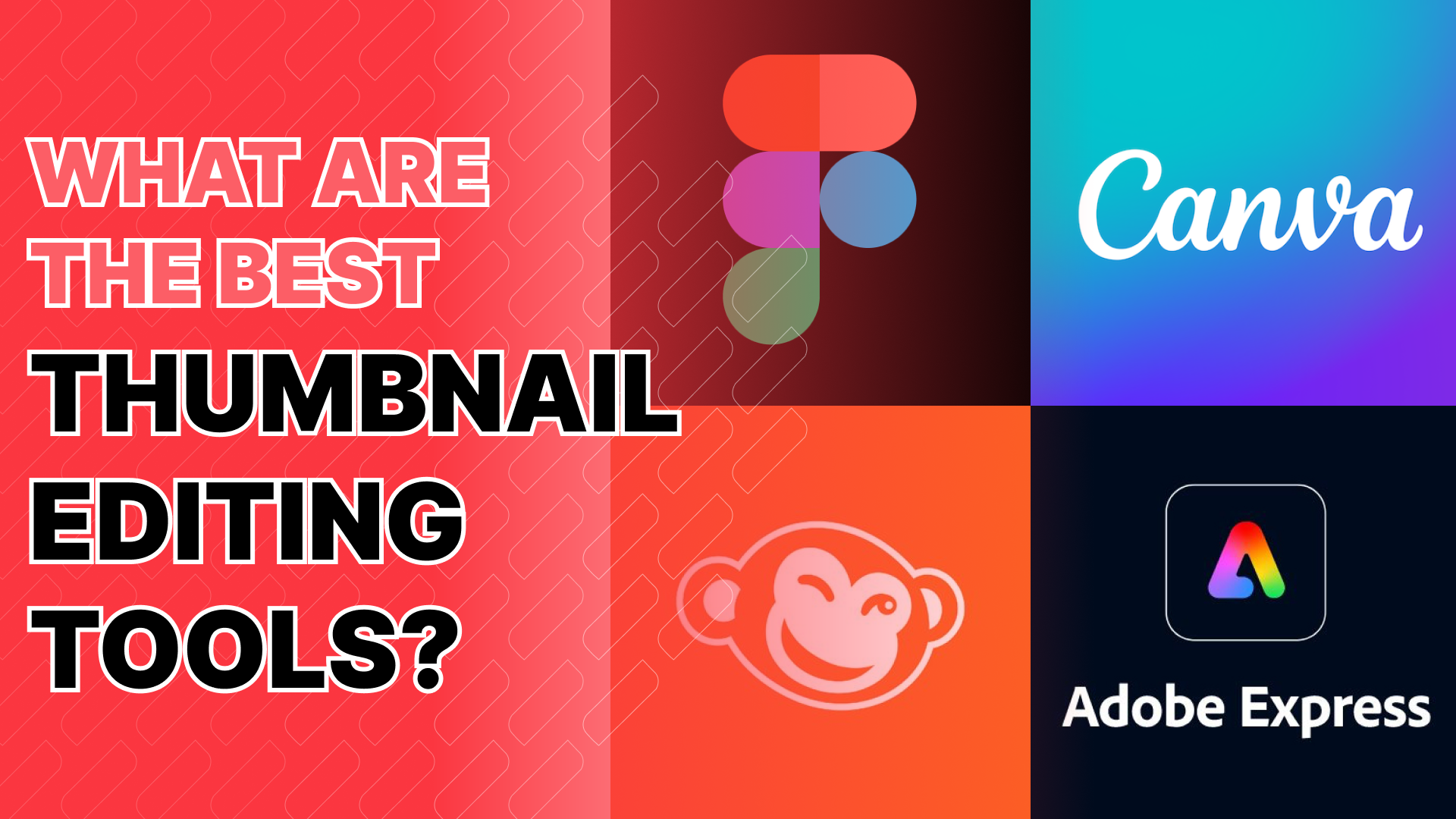
There are many different tools available for creating YouTube thumbnails, but some of the best ones are free. In this article, we will take a look at four of our favourites at Favoree!
Favoree’s Choice:

Best for advanced edits!

Photoshop
Ease of Use: 2/5
Features: 5/5
Customization: 5/5
Runner up!

Adobe Express
Ease of Use: 5/5
Features: 4/5
Customization: 3/5
The 11 Top YouTube Thumbnail Editing Softwares
As recommended by the Favoree Team:
#1 Canva
Price: free plan, up to $14.99/month
Our Rating
Ease of Use: 5/5
Features: 5/5
Customization: 3/5
Canva is one of the fastest growing and most popular online graphic design platforms. It offers a wide range of features, including the ability to create YouTube thumbnails. Canva is easy to use, even for beginners, and it offers a variety of pre-made templates and designs to choose from.
Key features:
- A large library of stock photos and graphics
- A variety of pre-made templates and designs
- Easy-to-use text editing tools
- The ability to add filters and effects to your images
#2 Photoshop
Price: $19.99/month
Our Rating
Ease of Use: 2/5
Features: 5/5
Customization: 5/5
Adobe’s flagship tool for detailed photo manipulation and graphic design. Ideal for anyone serious about mastering YouTube thumbnails. While it is hard to learn, this is by far the most powerful tool on the list.
Key features:
- Advanced layering system for complex designs.
- Vast library of brushes, filters, and effects.
- Text styling and warping capabilities.
- Smart object and vector integration.
- Content-aware tools for easy object removal or replacement.
#3 Adobe Express
Price: Free plan, up to $9.99/month
Our Rating
Ease of Use: 5/5
Features: 4/5
Customization: 3/5
Adobe Express is a free online graphic design platform that is Adobe’s direct response to their competitor Canva’s rapid growth. In order to beat the competition, Adobe Express offers everything that Canva does with a more generous free plan that gives you access to more features without paying a premium like free access to their Image generation AI.
This being said, due to its smaller userbase the variety of templates and usermade designs is a lot smaller.
Key features:
- Templates and Stock images
- Image generation AI
- Easy-to-use effects and filters
- Easy-to-use text editing tools
#4 PicMonkey
Price: Try free for 7 days and then from $7.99 per month
Our Rating
Ease of Use: 4/5
Features: 3/5
Customization: 3/5
PicMonkey is a free online photo and graphics editor that has a multitude of features specifically for the creation of thumbnails. While still very user friendly, Picmonkey is slightly more difficult to use than Canva.
Key features:
- Easy-to-use background removal tool
- Easy-to-use text editing tools
- The ability to add filters and effects to your images
- The ability to easily adjust brightness and saturation on your images
#5 Pixlr
Price: Free plan, up to $12.99/month
Our Rating
Ease of Use: 5/5
Features: 3.5/5
Customization: 3/5
Pixlr is a free online photo editor that makes it easy to create eye-catching YouTube thumbnails. It offers a variety of templates and designs to choose from, as well as a large library of stock graphics. You can also add text, filters, effects, and other decorative elements to your thumbnails, and adjust the brightness, contrast, and saturation of your images.
Key features:
- A large library of stock photos and graphics
- A variety of pre-made templates and designs
- Easy-to-use text editing tools
- The ability to add stickers, frames, and other decorative elements
- The ability to adjust the brightness, contrast, and saturation of your images
#6 Figma
Price: Free plan, up to $12/month
Our Rating
Ease of Use: 2/5
Features: 3/5
Customization: 4/5
Figma is a Cloud-based vector design tool with collaboration features, perfect for team-designed YouTube thumbnails.
Key features:
- Real-time collaboration for teams.
- Vector editing and scalable designs.
- Comprehensive typography tools.
- Component-based system for reusable assets.
- Prototype and animation tools for dynamic visuals.
#7 GIMP
Price: Free
Our Rating
Ease of Use: 2/5
Features: 3/5
Customization: 4/5
GIMP is a free, open-source software that provides powerful photo editing capabilities, good for YouTube thumbnails. Due to its open source nature, a lot of community content and plugins are available to further improve your designs.
Key features:
- Extensive tools for photo retouching and manipulation.
- Customizable interface and plugins.
- Advanced layering and masking tools.
- Path and vector tools for detailed designs.
- Filters and effects for enhanced visuals.
#8 Affinity Photo
Price: $69.99 One-time purchase
Our Rating
Ease of Use: 3/5
Features: 4/5
Customization: 4/5
Affinity Photo professional-grade photo editing tool with a one-time purchase model, great for detailed YouTube thumbnails.
Key features:
- Non-destructive workflow for easy edits.
- Comprehensive retouching and correction tools.
- Advanced brush engine for detailed work.
- HDR merge and tone mapping.
- Panorama stitching and focus merging capabilities.
#9 Luminar AI
Price: $207 One-time purchase
Our Rating
Ease of Use: 4/5
Features: 3/5
Customization: 3/5
Luminar AI is a photo editing software with AI-powered tools for color correction, noise reduction, and object removal. It also offers a variety of presets and templates, as well as easy-to-use tools for adding text and graphics. This makes it a versatile tool for creating YouTube thumbnails.
Key features:
- AI-powered tools for color correction, noise reduction, and object removal
- A variety of presets and templates to get you started quickly
- Easy-to-use tools for adding text and graphics
- Complete customization options
#10 Paint Shop Pro
Price: $79.99 One-time purchase
Our Rating
Ease of Use: 1/5
Features: 4/5
Customization: 4/5
Paint Shop Pro is Coral’s answer to their long standing competition with Adobe; An all-in-one photo editing and graphic design software, suitable for YouTube thumbnail designs.
Key features:
- AI-powered tools for enhanced photo editing.
- 360° photo editing capabilities.
- Layer-based editing with masks and blend modes.
- Extensive set of brushes, textures, and patterns.
- Built-in templates and project creator.
#11 Photopea
Price: Free plan, up to $9/month
Our Rating
Ease of Use: 3/5
Features: 3/5
Customization: 3/5
Photopea is a free online photo editor that offers many of the same features as Photoshop, including layers, masks, filters, and effects. It is also a lot easier to use, making it a great option for beginners and experienced users alike.
Key features:
- Supports various formats including PSD, XCF, and Sketch.
- Layer-based editing akin to Photoshop.
- Text tools with a range of fonts.
- Filters, effects, and gradient tools.
- Convenient browser-based accessibility.
Honorable Mention:

TubeBuddy
Test and Analyse your Thumbnails with ease!
FAQs
What is the size of YouTube Thumbnails?
The recommended size for YouTube thumbnails is 1280 pixels by 720 pixels (with a minimum width of 640 pixels). The aspect ratio should be 16:9.
What AI Tools are there for creating Thumbnails?
Many Photo Editing Tools offer AI features that make creating thumbnails easier, our recommendation for the best tool that provides AI options for Creating YouTube thumbnails is Adobe Express. Additionally TubeBuddy offers an AI analysing and testing too for your Thumbnails!
How do I create a high quality YouTube Thumbnail?
- Use high-resolution images.
- Keep it simple and focused.
- Use contrasting colors.
- Use clear and legible text.
- Consider branding.
For more details, check out our article on Creating Stunning YouTube Thumbnails.

Are you a business looking to improve your YouTube presence? Contact us for all your data needs!